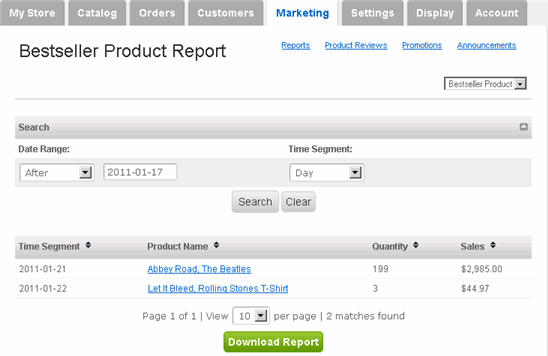
View Reports:
Merchant Manager provides four predefined reports in order to analyze purchase patterns. You can view and download each report.
View Reports:
|
1 |
Click Marketing tab along the top, followed by the Reports submenu option.
|
|
2 |
The four predefined reports are:
|
|
3 |
To view a report, use the dropdown menu below the submenu options. |
|
4 |
To download a report, select the appropriate report and click Download Report (in Excel format). |