Registered Customers Can Login To Their Account:
Customers who register at your store are given an account to manage their information and view order history.
Registered Customers Can Login To Their Account:
|
1 |
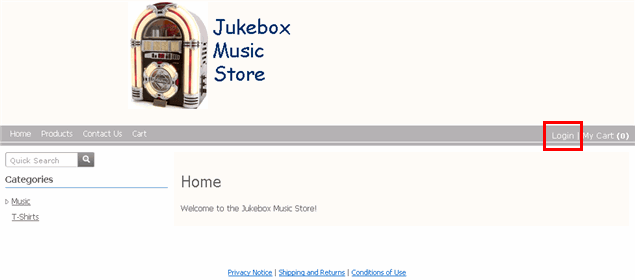
Let's return to our sample store. Click Login on the right side of the store's Header menu.
|
|
2 |
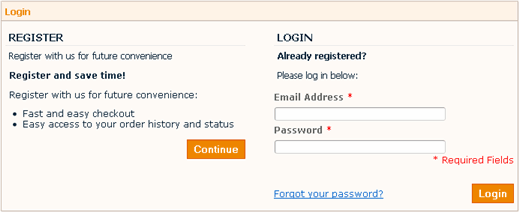
Enter account e-mail address and password and click Login.
Customers who wish to register for the first time can click Continue. |
|
|
After login, a new option appears on the Header menu: My Account.
(If the customer had added items to the Cart in a previous session without checking out, then those items can be found again in the Cart after login.) |
|
|
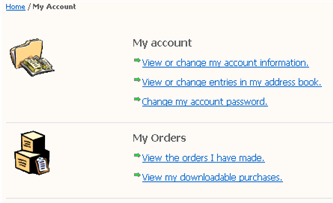
Click My Account.
|
|
3 |
To change the password, customers click Change my account password. |
|
4 |
Customers can:
|